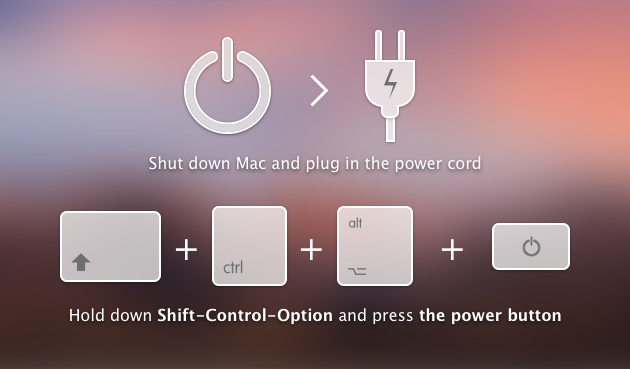
Reset the SMC.
The System Management Controller (SMC) is responsible for the battery management and its status indicator lights. Therefore, if your Mac battery is not charging, resetting the SMC may help.
Note that the process of resetting the SMC for MacBooks with a removable battery and a non-removable battery is quite different. That’s why first you have to determine whether your battery is removable.
Mac notebooks that have non-removable batteries include MacBook Pro (early 2009 and later), all models of MacBook Air, and MacBook (late 2009).
- Shut down your MacBook.
- Press Shift-Control-Option and a power button at the same time and hold for 10 seconds.
- Release the keys.
- Press the power button to turn on your Mac.